Still Trusting the Drive You Bought in 2014? What a Restore Test Actually Proves
A decade ago a household backup meant one external drive and a hopeful habit; here is how the same decision compares now, and what a restore drill settles that an inventory cannot.
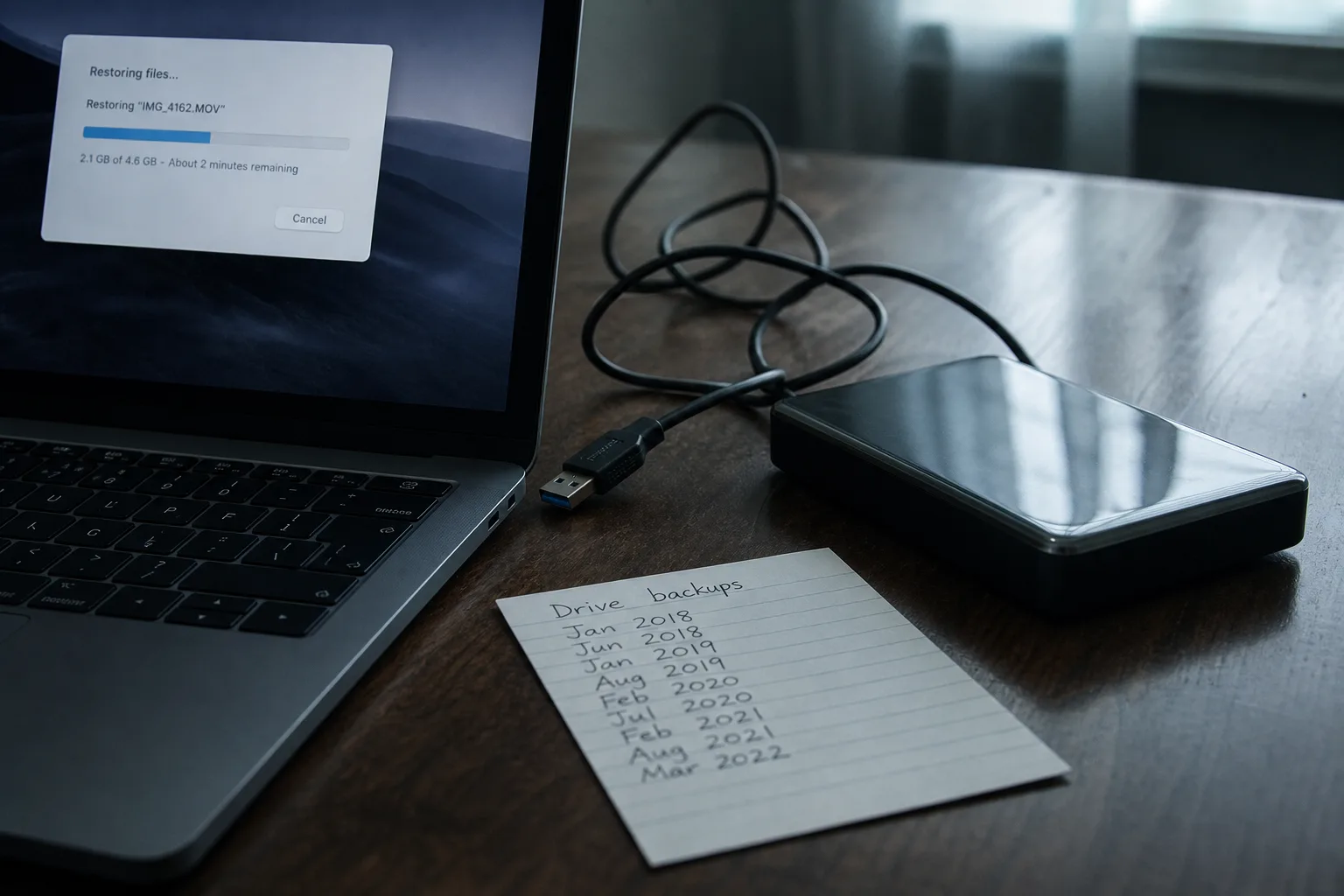
A backup you have never restored from is a claim rather than a fact, and the distinction matters most on the one day you need it to be true. I spend my working life in buildings that were sound when they went up and have since been altered by six owners who each solved one problem and created another, and household data behaves the same way. There is an original system, a set of later additions nobody documented, and a general belief that the whole thing holds. The belief is usually untested. The test takes an evening.
What the 2014 setup was built to survive
Ten years ago, the standard household answer was a single external drive, bought at a big-box store, plugged into the back of a desktop and left there. Sometimes it ran scheduled software, more often it ran a quarterly habit that lasted two quarters. That arrangement was designed around one failure: a hard disk dying inside the computer. Against that specific event it worked reasonably well, which is why so many people remember it fondly and still own the drive. The failures it was never designed for were theft, fire, a flooded basement, and a program that encrypts everything it can reach, including the drive sitting attached to the same machine.
The second thing that setup assumed was that your files lived on a computer. In 2014 that was mostly accurate for documents and already becoming inaccurate for photographs. Cameras had moved into phones, and the phone was backing itself up somewhere, or not, depending on a setting nobody had deliberately chosen. So the household ended up with two separate systems, a drive holding tax records and a phone holding the family archive, each covered by a different method and only one of them covered on purpose. Surveys of old houses turn up exactly this pattern in the wiring.
What changed underneath the decision
Three things moved, and all three moved in the same direction. Residential upload speeds improved enough that sending a large photo library off-site stopped being a month-long project and became an overnight one. Storage priced by the month fell far enough that keeping a second copy somewhere else stopped being a luxury purchase and became a line item comparable to a streaming subscription. And the threat changed shape: the realistic modern loss is not a failed bearing in a disk but a ransomware event or a compromised account, both of which happily take the attached drive with them. The National Institute of Standards and Technology is the federal body responsible for the cybersecurity framework that most of this guidance descends from, and recovery sits in it as a named function rather than an afterthought.
The fourth change is subtler and causes the most trouble in practice. Cloud sync arrived everywhere, folded into the operating system, switched on by default, and it looks like a backup from a distance. It is not one. Sync propagates whatever happens to a file, which means a deletion, an overwrite, or an encryption event travels to every copy at the speed of your connection. Most services keep version history for a window, often thirty days, sometimes longer on paid tiers, and that window is the only thing standing between sync and a very fast loss of everything.
Four options, and the failure each one actually survives
A local external drive, connected only when in use and unplugged afterward, survives disk failure, ransomware, and accidental deletion, and fails completely against fire, flood and burglary, because it is in the same room as the thing it protects. Cloud sync survives the burned house and the stolen laptop, survives accidental deletion within its version window, and fails against anything discovered later than that window. A dedicated cloud backup service, the kind that keeps versions and deleted files for a stated retention period, survives all of the above, and introduces a dependency on a vendor staying in business and on you remembering the password. A second drive stored at a relative's house or a safe deposit box survives nearly everything except being out of date, which, given how rarely people drive it across town, is the usual outcome.
Set out that way, the comparison answers itself. No single option covers the whole list, which is why the old guidance about keeping three copies on two kinds of media with one off-site has survived a decade of technology change without needing revision. What changed is the cost of compliance. In 2014 the off-site copy meant a physical errand; now it is an overnight upload and a monthly charge, and the errand version is the fallback for households with very large libraries or very poor connections rather than the default.
Running the restore test
Pick three files that would genuinely hurt to lose, and make them different in kind: a scanned document, a photograph from several years ago, and something from a program with its own format, a financial file or a design file. Then restore each one to a new folder, open it, and confirm it is the file rather than a zero-byte placeholder or a thumbnail. Do it from each system you believe you have. People discover, routinely, that the phone was backing up photos but not videos, that the backup software stopped running after an operating system update eighteen months ago, or that the encrypted archive needs a password written on a card in a drawer they emptied.
Then time it. A restore that works but takes four days matters if what you restore is a working file you need Monday, and the number is specific to your connection and your library size rather than to anyone's published average, so measure your own. Write down what you found, the date, and what each system actually covers. That single page does the job a building survey does: it records what is here now, not what someone installed with good intentions in 2014.
The households that come through a loss intact are rarely the ones with the most sophisticated arrangement. They are the ones who opened a restored file sometime in the past year and watched it open.